

What’s Device Code Phishing? The Login Scam That Sidesteps MFA
Device code phishing is the scam of the year so far — researchers at Push Security have tracked a 37x surge in detections in 2026, driven by cheap phishing kits sold on Telegram. Here’s what the term actually means.
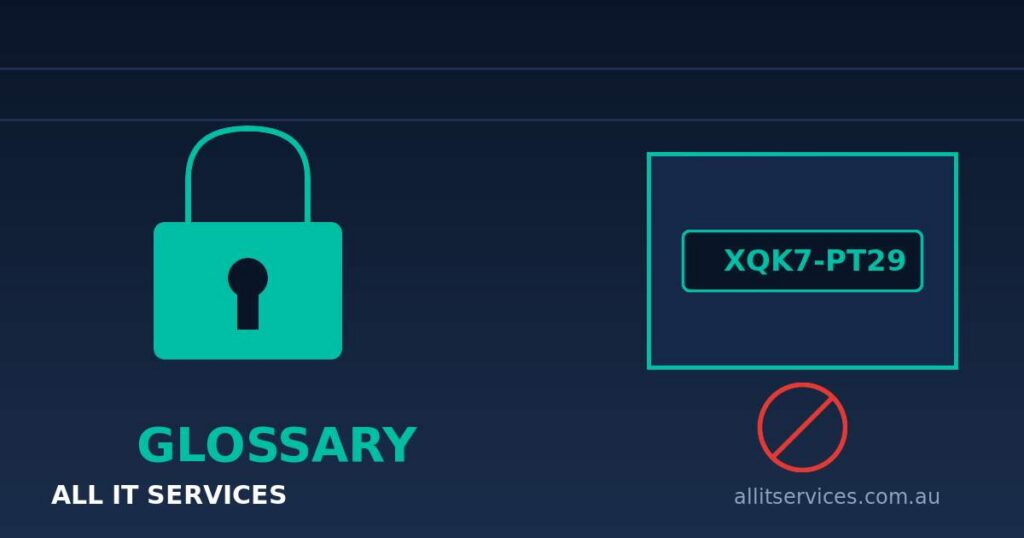
Microsoft (and others) offer a login flow for devices without a proper keyboard — think meeting room screens and smart TVs. The device shows a short code, and you type that code into a real Microsoft page on your own computer to authorise it. Device code phishing turns that flow against you. An attacker sends you a code with a plausible story (“enter this to join the Teams meeting”), you punch it into the genuine microsoft.com page — and you’ve just signed the attacker’s device into your account.
It’s like validating someone else’s parking ticket: the machine is real, but the ticket isn’t yours. That’s what makes it nasty. There’s no fake website to spot, the padlock is real, and multi-factor authentication often doesn’t help — you complete the MFA prompt yourself while approving the attacker’s session. With Microsoft 365, Teams and SharePoint the main targets, the average Australian small business is exactly the intended victim.
The practical takeaway: treat any email or message asking you to enter a code on a Microsoft login page as hostile until proven otherwise. Better still, most businesses never use the device code flow at all — your IT provider can block it entirely in Microsoft Entra ID with a Conditional Access policy. Ask whether it’s switched off in your tenant. If the answer is “what’s that?”, it’s time for a chat.
Want a second opinion on your Microsoft 365 security settings? That’s bread and butter for our cybersecurity team.
Related Guide
Cybersecurity for Sydney SMBs
Explore our complete guide to protecting your business from cyber threats.